
eBird Project: How to Share Your Birds
Once you’ve joined Garden for Birds, you may find you want a simple way to keep track of the birds that visit. We recommend using eBird by joining the eBird Garden for Birds Project.
This project provides a centralized place for collective bird observations from around the United States and Canada in our intentionally planted gardens. This also begins your personal journey towards documenting bird changes influenced by your landscape modifications.
eBird Project pages provide a new framework for organizations to share and integrate bird observations. Learn more about why this tool was created and the various implications for conservation initiatives.
Simple Steps to Share Your Birds:
- Join the Garden for Birds eBird Project.
- You must sign up for the first time in a web browser, not within the eBird app.
- Count birds in your garden area via eBird checklists.
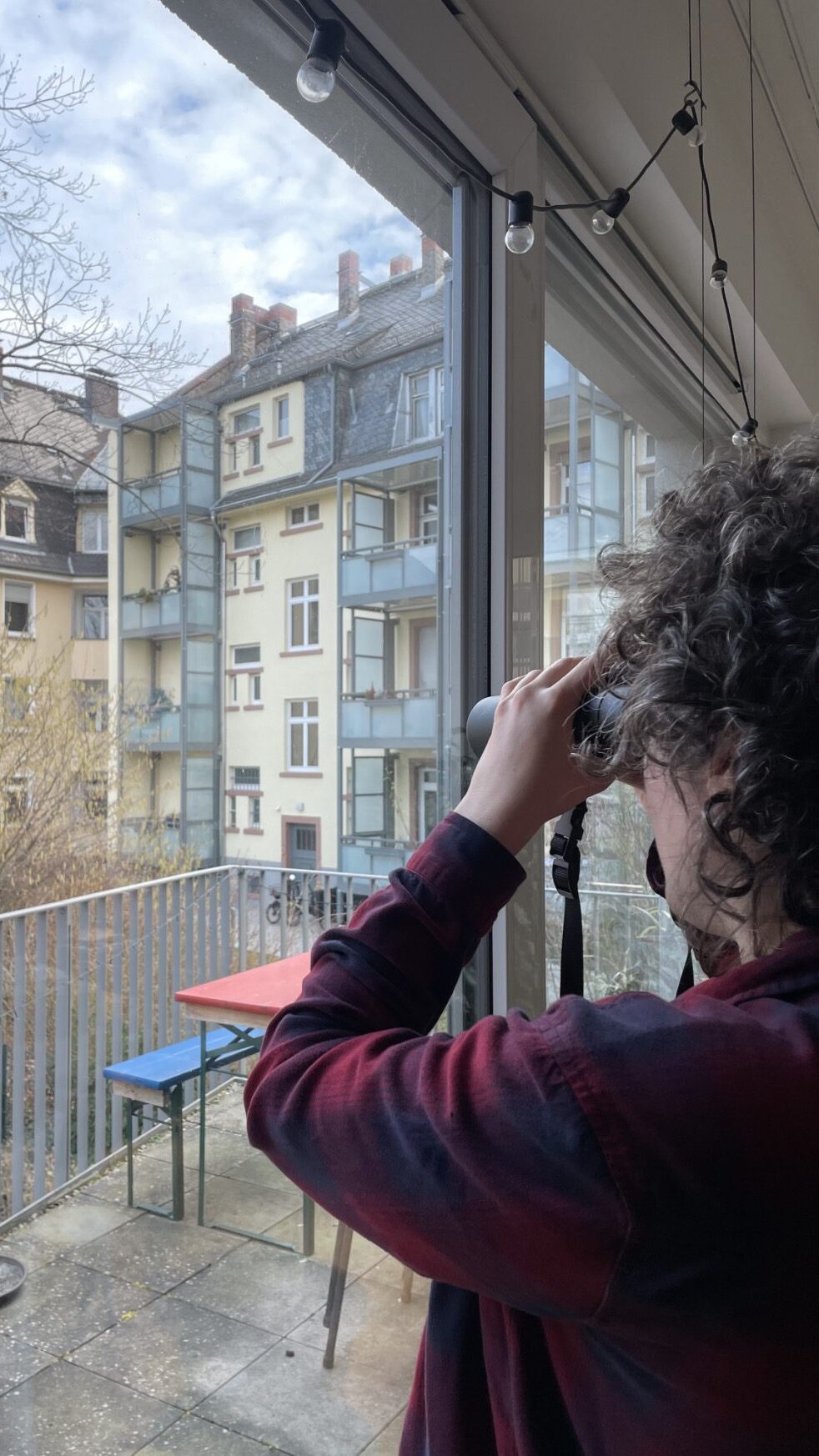
- Keep track of the species and numbers of birds you see and hear and how long you watched. There is no minimum or maximum time to watch and report birds, so you can fit your birding in around your gardening work!
- For this project, only stationary checklists count (where you move 100 feet/30 m or less).
- Make your best estimate of how many birds you saw of each species.
- For example, 5 Northern Cardinals, 3 American Crows.
- Huge flocks may be a challenge, but your best guess is still valuable. Tips on counting flocks.
- Enter your list(s) online
- Already an eBird user? Join the project and save your garden checklists to the Garden for Birds Project each time you bird in your gardens.
- New to using eBird? See the Two Ways to Enter Data below.
- Merlin does not automatically sync to eBird projects but birds you ID in Merlin can be included in eBird checklists if you are 100% confident they were correctly identified.
It’s that simple. Make a new checklist each time you watch birds in your gardens. Add as many lists as you want!
Two Ways to Enter Data:
eBird Mobile App
- Once registered, open eBird mobile on your device.
- You should already be logged in. If not, log in using the same account details you use for GBBC, eBird, Merlin Bird ID, Project Feederwatch, Nestwatch, etc.
- Before you “Start checklist,” click “Choose projects.”
- Select “Garden for Birds.”
- We recommend saving a specific location for your garden counts if you also eBird in other locations. Give it a unique name, for example “Home Gardens.”
- Select “Start checklist” and proceed as you normally would.
- Note that you can list yourself as an “anonymous birder.” Your submissions will still be included in the group count, but your eBird profile will remain hidden.
Need more help using eBird Mobile? This step-by-step guide may help.
It’s that simple. Make a new checklist each time you bird watch in your gardens. Add as many lists as you want!

eBird on a Computer
- Go to ebird.org and sign in.
- Click “Submit” at the top of the eBird webpage.
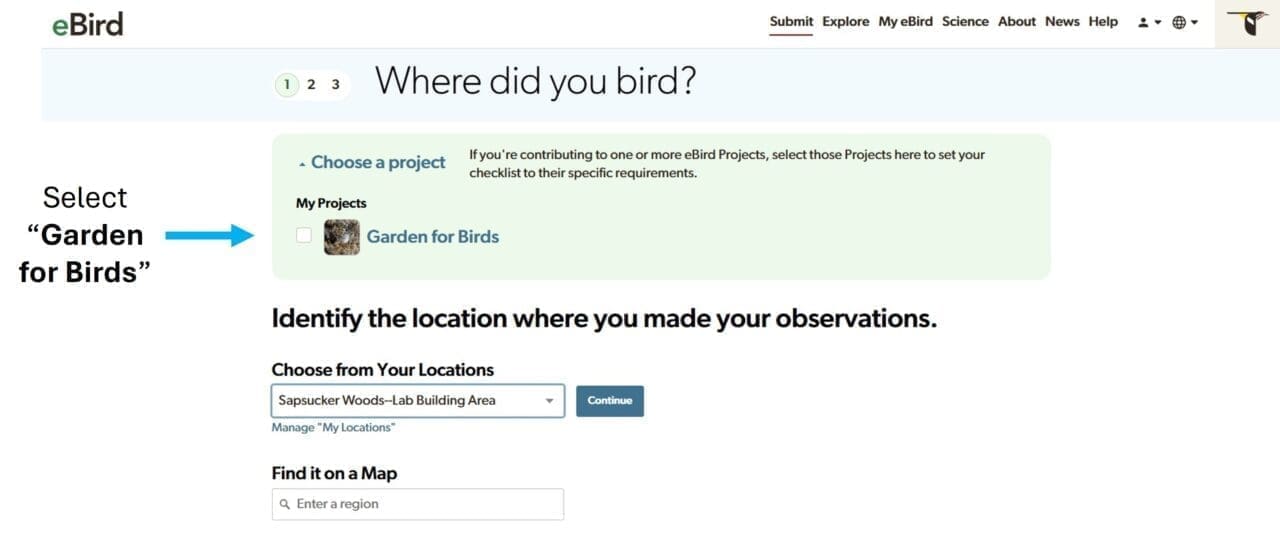
- Click “Choose a project” in the green box near the top, and select “Garden for Birds.”
- Proceed as you normally would.
- We recommend saving a specific location for your garden counts if you also eBird in other locations. Give it a unique name, for example “Home Gardens.”
- Note that you can list yourself as an “anonymous birder.” Your submissions will still be included in the group count, but your eBird profile will remain hidden.
Need help using eBird on a computer or desktop? This step-by-step guide may help.
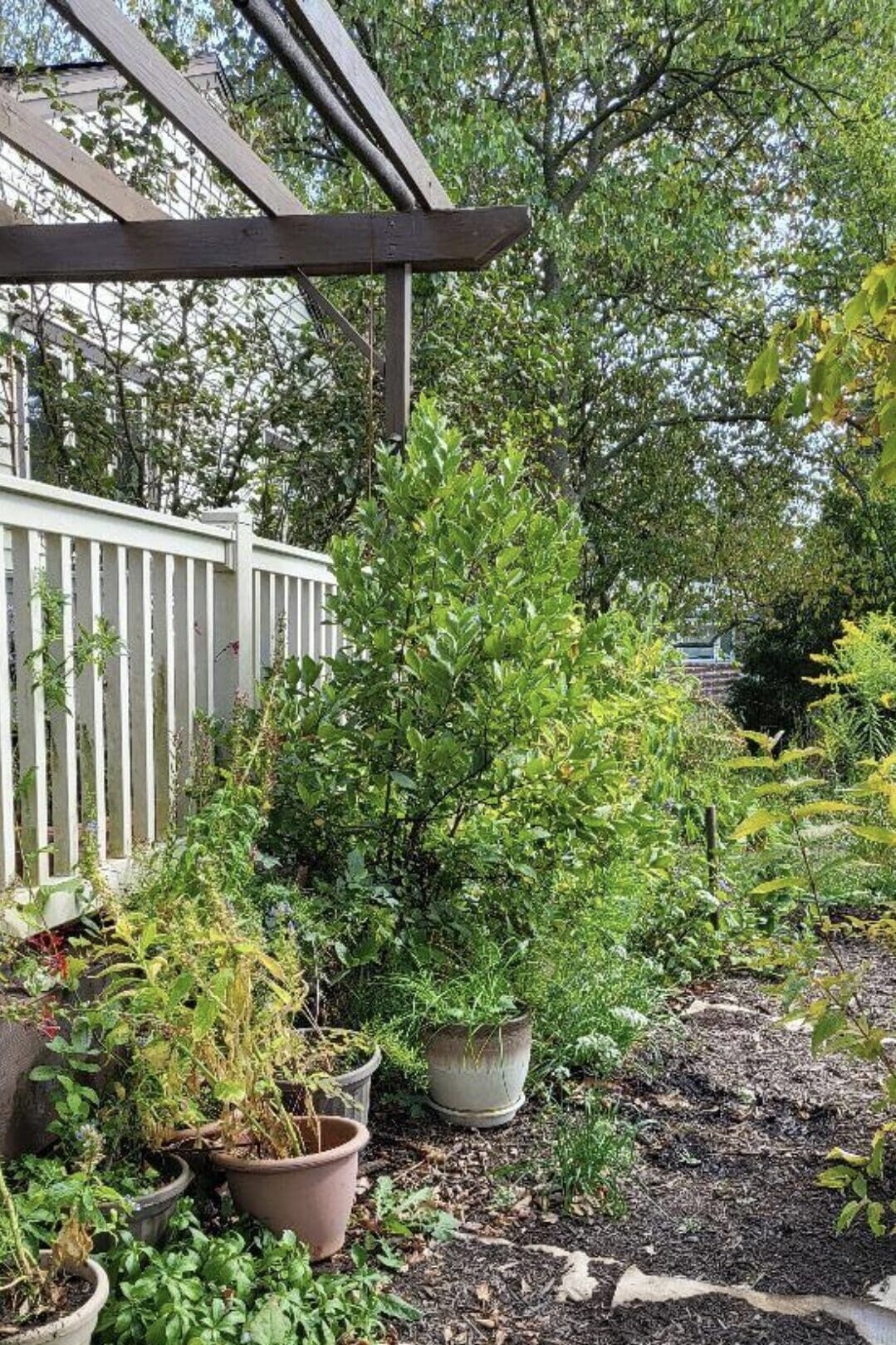
Watch the Birds Roll In!
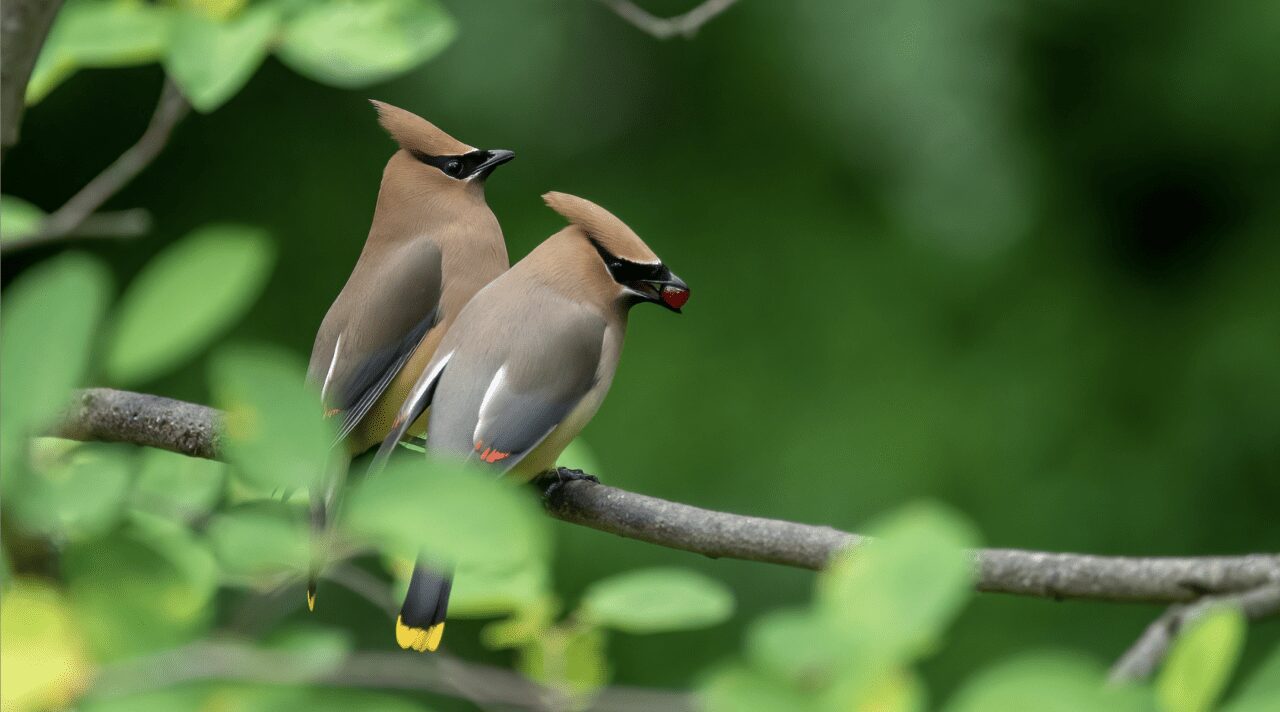
Check back on the Garden for Birds project on the web and watch the number of species and checklists grow as fellow gardeners across the U.S. and Canada add their observations and as birds start to benefit from your native plants!
Stay Connected
By subscribing to stay connected to Garden for Birds, you agree to receive communications from the Cornell Lab. You may unsubscribe from the communications at any time.